~/generate a new sid with sysprep (and when it actually matters)
NewSID is long gone and Sysprep is the supported way to give a cloned Windows machine a new SID. Here's how, and why it matters most for images and domain controllers.
Updated November 2026. When I wrote this, people were looking for a replacement for the retired NewSID tool. Sysprep is still the answer, but the reasons have shifted, so I’ve added some context.
Does a duplicate SID matter?
Less than people once thought. Sysinternals’ Mark Russinovich, who wrote NewSID, explained in 2009 that duplicate machine SIDs on domain-joined computers don’t cause security problems by themselves, which is why NewSID was retired.
Sysprep still matters, though:
- It’s the only supported way to clone Windows. Microsoft supports cloned installations only if they were generalised with Sysprep.
- Domain controllers and domains. A server promoted to DC builds its domain SID from the machine SID. Two domains built from the same clone can’t trust each other.
- It resets more than the SID: hardware-specific settings, the computer name and some application IDs (for example WSUS client IDs, which cause duplicate entries if not reset).
Generalise a machine with Sysprep
Before converting a VM to a template or capturing an image:
C:\Windows\System32\Sysprep\sysprep.exe /generalize /oobe /shutdown
Or run sysprep.exe with no switches:
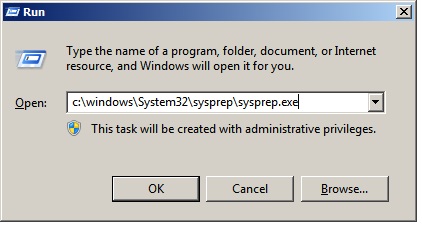
and tick Generalize in the dialog:
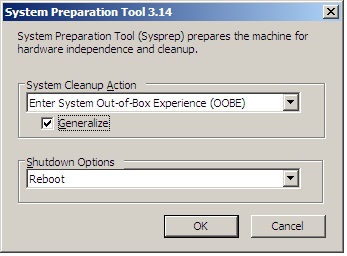
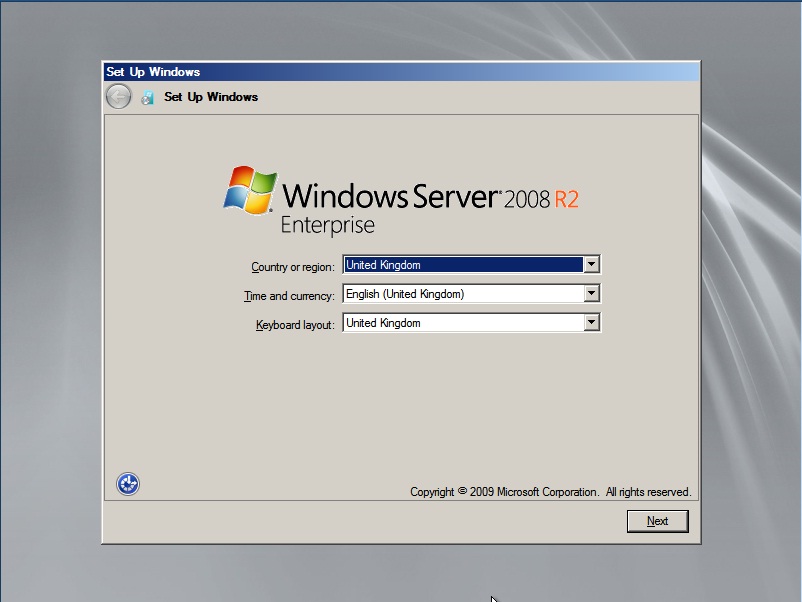
The machine shuts down (or restarts, if you chose Reboot) ready to be captured. When a copy first starts, it runs the out-of-box setup and gets a new SID:
Check the machine SID
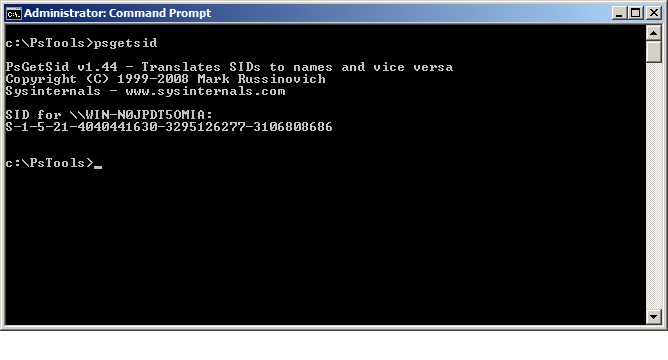
The Sysinternals tool PsGetSid shows it:
psgetsid64.exe
Before Sysprep:
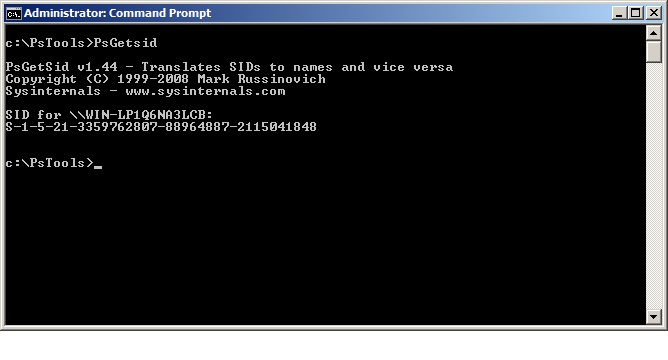
After Sysprep, the SID has changed:
In practice today
- Hyper-V, VMware and Azure templates: always Sysprep the template, never copy a running server’s disk.
- Windows Deployment and Intune/Autopilot: devices use the manufacturer’s image or a Sysprepped one, so this is handled for you.
- Never Sysprep a domain controller. Demote it, or build a new one.